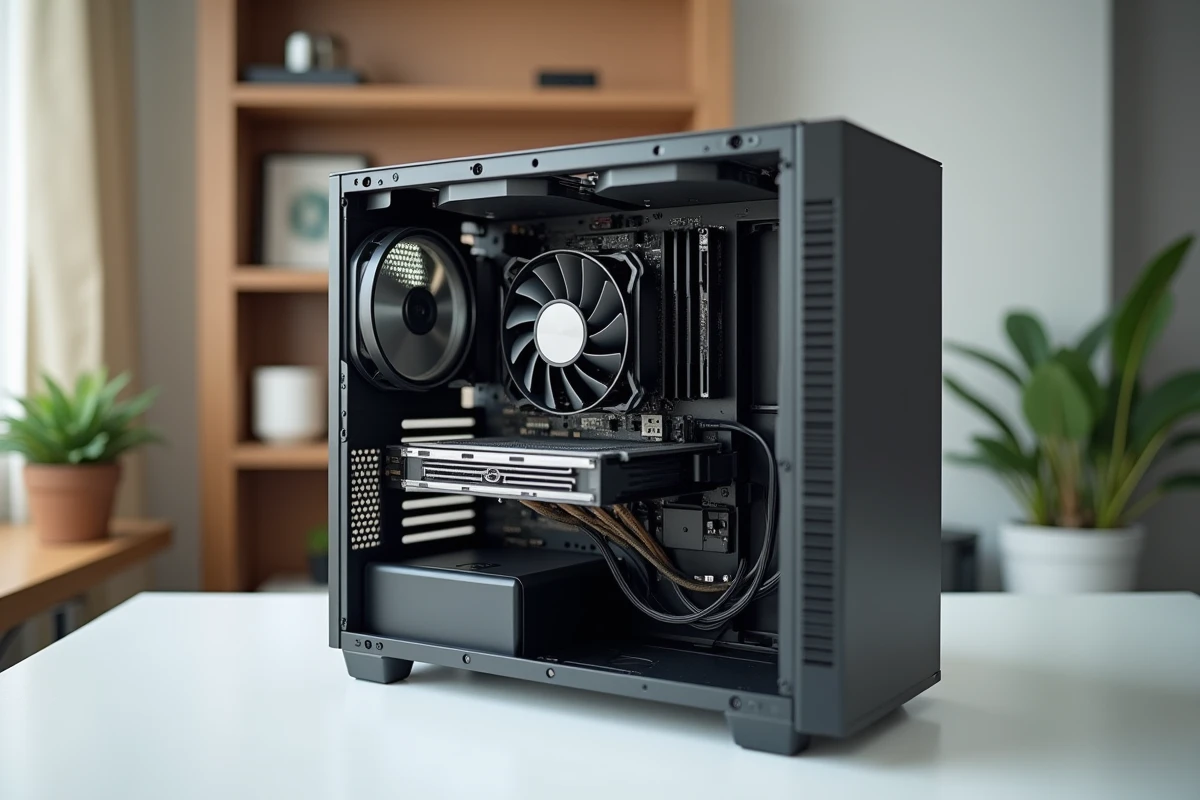
The central unit refers to the case that houses the components responsible for data processing in a desktop computer. Processor, memory, storage, and power supply coexist in a space whose size and architecture vary according to the intended use. Understanding the different types of central units allows for choosing a suitable machine without paying for unnecessary capabilities or finding oneself limited after a few months.
Hybrid architecture of processors: what changes for a central unit in 2024
The processor remains the component that defines the performance profile of a central unit. Since the arrival of hybrid architectures at Intel (Alder Lake, Raptor Lake), reading a technical sheet has changed. A hybrid CPU combines two types of cores: performance cores (P-cores) and efficient cores (E-cores).
The P-cores handle heavy tasks (gaming, 3D rendering, compilation). The E-cores take care of background operations (updates, indexing, system services) while consuming less energy. Therefore, the total number of cores displayed on a product sheet is no longer read the same way: eight P-cores and eight E-cores do not function the same way as sixteen identical cores.
This distinction has a direct impact on the choice of a central unit. For office work or multimedia, a processor with few P-cores but several E-cores offers multitasking responsiveness without a spike in power consumption. For video editing or demanding gaming, the ratio of P-cores should be higher. Checking the P/E distribution in the technical sheet provides a much more reliable picture than the simple total number of cores.
To better understand what this component entails, the definition of the central unit on Lozzoo details the role of each internal element of the case.
Tower, mini-PC, and compact format: which type of central unit to choose
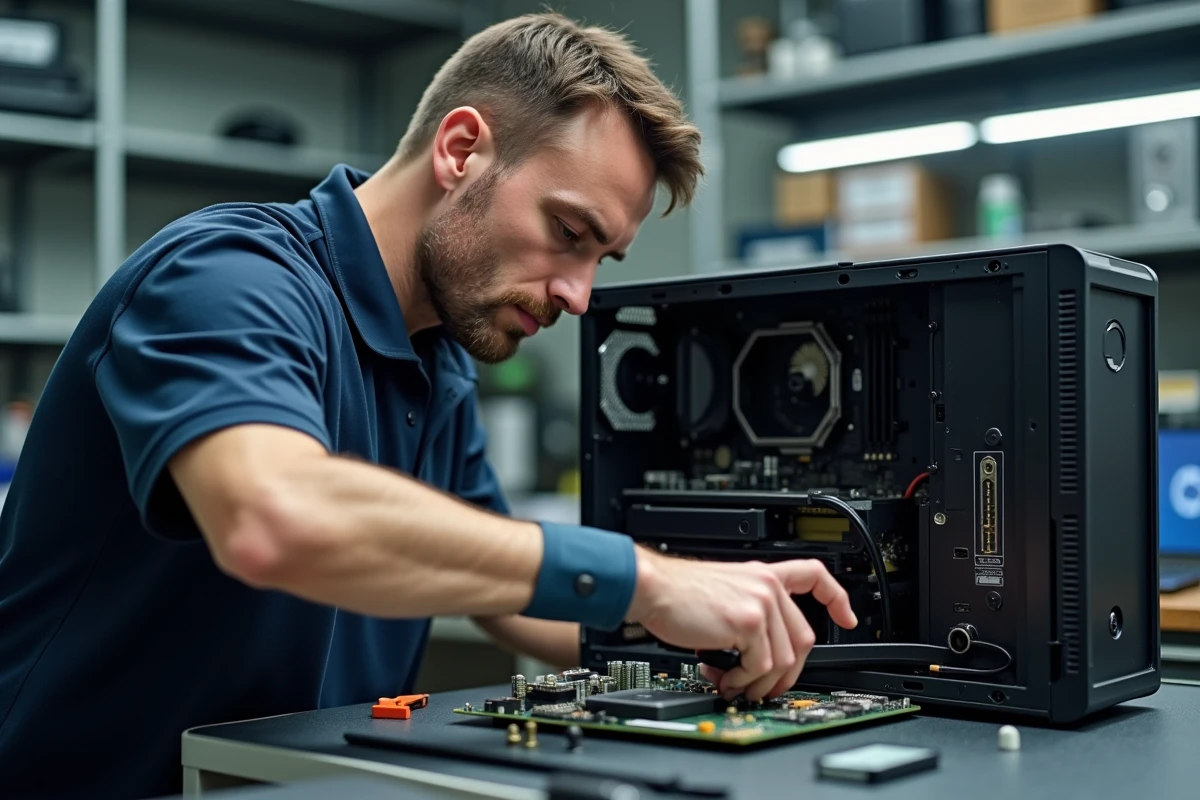
The case of a central unit is not just an aesthetic issue. Its format determines ventilation, upgrade possibilities, and the type of components that can be installed.
- The classic tower (ATX or mid-tower) remains the most versatile format. It accommodates large dedicated graphics cards, multiple storage drives, and provides sufficient airflow to cool high-power processors. It is suitable for gaming, video editing, and any intensive use.
- The compact format (SFF, Small Form Factor) reduces bulk while retaining a standard desktop processor. Mini-ITX or micro-ATX cases limit the number of expansion slots but allow for the integration of a smaller dedicated GPU. This format is aimed at users who want power without taking up an entire desk.
- The mini-PC (such as NUC or equivalents from Minisforum, Beelink, Asus) takes miniaturization even further. A case the size of a hand houses a low-power processor, an NVMe SSD, and often an integrated GPU in the CPU. Office work, web browsing, video streaming, and even light photo editing can be handled easily by these machines.
In recent years, the mini-PC offering has significantly expanded among distributors and assemblers. Recent configuration guides consistently include this format alongside towers, indicating that the mini-PC is no longer a niche product.
Fixed central unit, all-in-one, and workstation: three uses, three logics
Beyond the case format, the type of central unit is also defined by its purpose.
The all-in-one computer integrates the central unit directly behind the screen. The advantage is minimal footprint and the absence of cables between the case and monitor. The downside: components are often soldered or difficult to replace. Adding RAM or changing storage sometimes requires complex disassembly. This type is suitable for a family or professional office setup without the need for hardware upgrades.
The workstation represents the other end of the spectrum. Designed for professional workloads (scientific computing, simulation, 3D rendering, artificial intelligence), it features processors with a very high number of cores (Intel Xeon or AMD Ryzen Threadripper ranges), ECC memory (error-correcting code), and sometimes multiple professional GPUs. Its power supply and cooling are designed to operate at full load for hours.
Between the two, the standard desktop central unit covers the majority of needs. The choice of processor (Intel Core or AMD Ryzen in their consumer variants), the amount of memory, and the type of storage allows for adjusting performance levels without switching to professional hardware.
Thermal management and consumption: the often-overlooked criterion
The power of a processor is useless if the central unit cannot dissipate the heat produced. Hybrid architectures have improved the situation by reducing consumption under light load thanks to the E-cores, but the P-cores under heavy load still generate significant heat.
In a classic tower, the available air volume and the ability to add fans or a large heatsink solve the problem. In a mini-PC or SFF case, thermal management becomes the limiting factor for performance. A processor throttled by temperature automatically slows its clock frequency, negating the advantage of a powerful CPU in a case that is too tight.
Before choosing a compact format, checking the provided cooling solution and the thermal margin announced by the manufacturer can prevent disappointments. A quiet mini-PC at rest can become noisy and slow under load if its ventilation system is undersized.
The type of central unit that lasts over time is one whose format truly matches daily use. A mini-PC for office work will last for years without maintenance. A well-ventilated tower for gaming or creation will handle load increases without compromising component longevity. The format guides the choice as much as the technical specifications of the processor.